


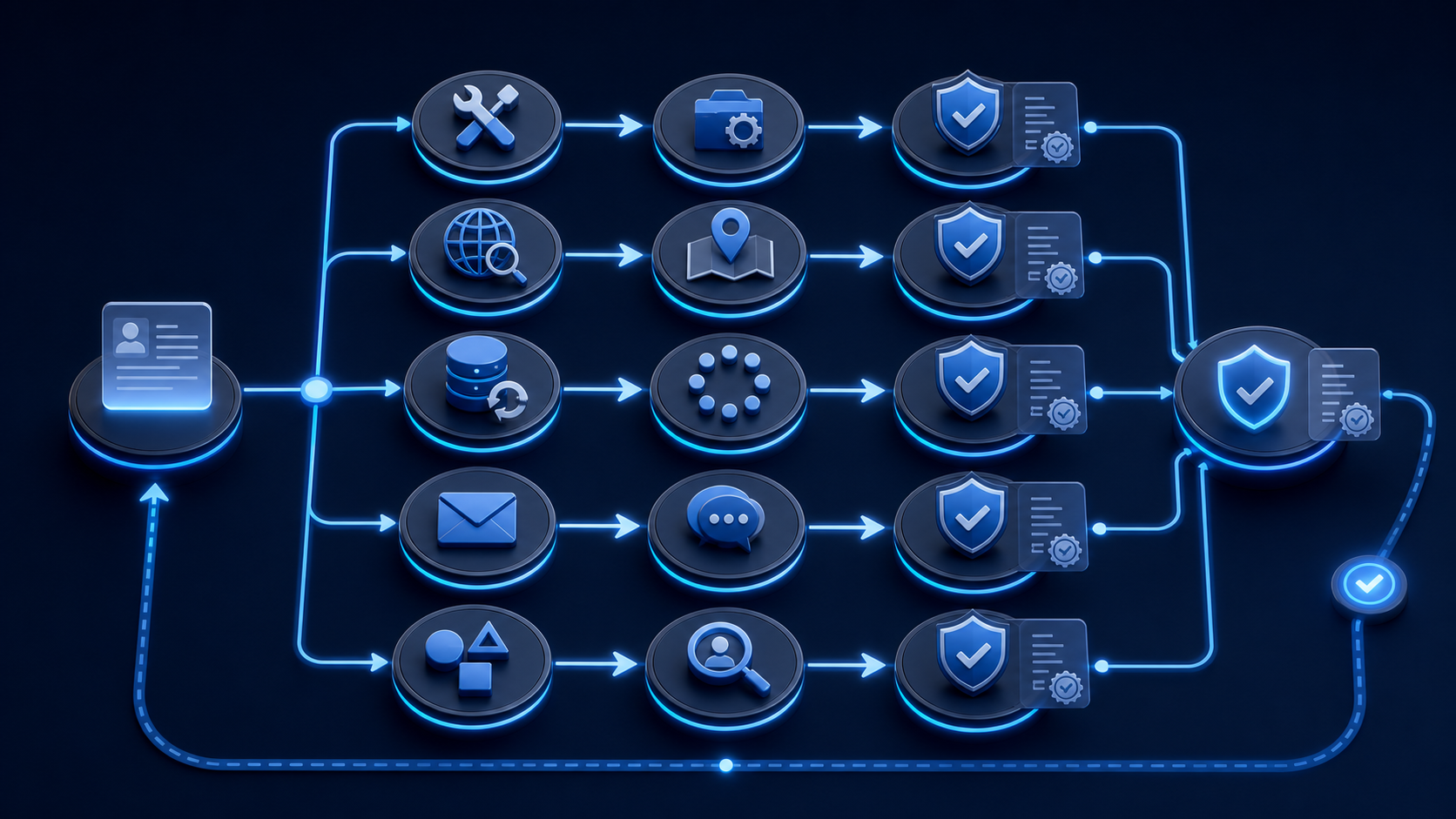
Executive Summary: A no-match stops being a backlog when it becomes a finite-state exception with one cause, one owner, one next action, and one defensible closure rule. A generic manual-review queue cannot distinguish a misspelled legal name from a wrong jurisdiction, unavailable source, recent filing, or truly absent record. State entity searches and TIN validation produce different kinds of no-match and availability evidence. They should not share one ambiguous status.
What Can Cause a No-Match?
• Wrong or incomplete legal name.
• DBA substituted for legal name.
• Wrong jurisdiction.
• Newly filed or recently changed record.
• Source unavailable or delayed.
• Candidate below a matching threshold.
• Truly absent record within proven coverage.
• Applicant and searched entity are different parties.
No-match is an observation to classify, not a conclusion about existence, intent, or creditworthiness.
Which States Should Replace Manual Review?
Use explicit operational states:
1. `classify_cause`
2. `correct_input`
3. `search_jurisdiction`
4. `retry_source`
5. `request_evidence`
6. `review_candidates`
7. `confirmed_absence_within_coverage`
8. `closed_supported`
9. `closed_not_supported`
10. `reopened`
Each state needs entry criteria, permitted actions, owner, aging rule, and terminal transition.
How Should SOS No-Match Be Investigated?
Confirm the legal name, entity type, formation state, possible foreign-registration states, and state entity ID. Preserve the exact query and alternatives.
SBA guidance distinguishes formation from foreign qualification, so the operating state may not be the formation state.[1] California's business-search definitions also show jurisdiction-specific status and field meanings.[2]
Cobalt's documented SOS routes support multiple search identifiers and alternatives where available. Full Verification can search 50 states plus DC asynchronously when the state is unknown.[3]
Safe SOS routes
• Correct legal name and rerun.
• Search by state entity ID.
• Search relevant prior names.
• Search formation and foreign-registration states.
• Review alternative candidates.
• Wait or request evidence for a recent filing.
• Invoke Full Verification when state is genuinely unknown.
• Close absent only within proven coverage and policy.
How Is a TIN No-Match Different?
TIN verification tests a supplied name and tax-ID pair. It does not search for an unknown EIN. IRS guidance describes TIN matching as comparison of the supplied combination.[4]
IRS corporate guidance ties name control to the legal name and generally excludes DBA text.[5]
Safe TIN routes
• Compare the submitted legal name with state and tax records.
• Separate DBA from legal name.
• Correct transcription or formatting without changing the subject.
• Request certified name and TIN evidence.
• Rerun the corrected pair.
• Treat source unavailable as retry or hold, not mismatch.
IRS Publication 1281 provides correction procedures for missing and incorrect name/TIN combinations in its reporting context.[6]
What Fields Should Every Exception Store?
case_state
first_seen
last_attempt
retry_count
cause_code
coverage_state
evidence_requested
next_action
owner
closure_code
reopen_trigger
Also retain the original inputs, every corrected version, source availability, timestamps, candidates, and policy version. Corrections create new events rather than rewriting history.
How Should Retries Be Bounded?
Retry only when the cause is plausibly transient, such as source unavailability or documented update timing. Define maximum attempts, backoff, owner, and what happens when the bound is reached.
Wrong input and wrong jurisdiction require correction, not repeated identical requests. Infinite retry loops hide unresolved files and can overload source systems.
What Is a Defensible Closure?
• Corrected and matched. Store the new evidence and link it to the original exception.
• Different entity confirmed. Close with relationship evidence and policy route.
• Absent within proven coverage. Record jurisdictions, queries, sources, dates, and policy meaning.
• Unsupported. Record the limitation and fallback outcome.
• Customer did not provide evidence. Close under the lender's documented incomplete-file rule.
• Source remained unavailable. Close or hold only under an approved continuity policy.
No closure should label fraud solely from a no-match.
When Should a Closed Case Reopen?
Define triggers such as corrected evidence, a new state identifier, source recovery, a recent filing becoming available, legal-name change, or new candidate relationship. Reopening should preserve the earlier closure and begin a new review event.
What Should Teams Monitor?
• No-match rate by source and intake channel.
• Causes after classification.
• Cases with no owner or next action.
• Retry counts and aging.
• Corrected matches.
• Unsupported and unavailable closures.
• False candidate selection.
• Reopen rate and trigger.
• Decisions made before terminal resolution.
What Is the Practical No-Match Control?
Classify the cause, choose one explicit state, assign the owner and next action, bound retries, preserve evidence, close under a documented rule, and reopen only on a named trigger.
Cobalt supplies SOS alternatives, multi-state search, TIN reasons, and source-availability evidence within current documentation. The lender owns correction requests, fallbacks, aging, closure, and decisions.
Ready to test the state machine against wrong-name, wrong-state, unavailable-source, and confirmed-absence cases? Schedule a Cobalt Intelligence demo and bring the no-match reasons in your current queue.
Related entity-resolution reading
When this workflow begins with an unconfirmed business name, select a likely entity before requesting the full Secretary of State record. Candidate selection is a distinct step, not a verification finding or lender decision.
In this series: How to Verify Business Registration Status via API and Consumer vs. Business Entity Intake for Lending Workflows.





.jpg)


.png)